Account Management & Deletion
To protect your personal data, all account deletion requests must be verified through an authenticated session.
How to delete via the App
Open Otsy
Open the Otsy application on your mobile device.
Secure Login
Log in to your account using your secure username and password.
Navigate to Profile
Tap on your profile picture in the navigation bar.
Open Settings Menu
Tap the hamburger (three-line icon) in the top right corner.
Manage Account
Select “Manage Account” and then choose the “Deactivate or Delete Account” option from the settings menu.
Request Deletion
Choose “Delete Account.” Note that this action is irreversible.
Final Confirmation
Complete the process by confirming your intent to delete the account.
Authenticated Deletion
If you no longer have the app installed, you can still request deletion by logging into our web portal or by contacting our security team manually.
Data Retention & Deletion Policy
- 30-Day Purge Period
Data enters a thirty-day grace period before being fully removed from our active systems.
- Financial Compliance (IRS)
Per IRS requirements, financial and transaction data is stored for up to seven years before permanent deletion.





Organize Trips, Share Yours
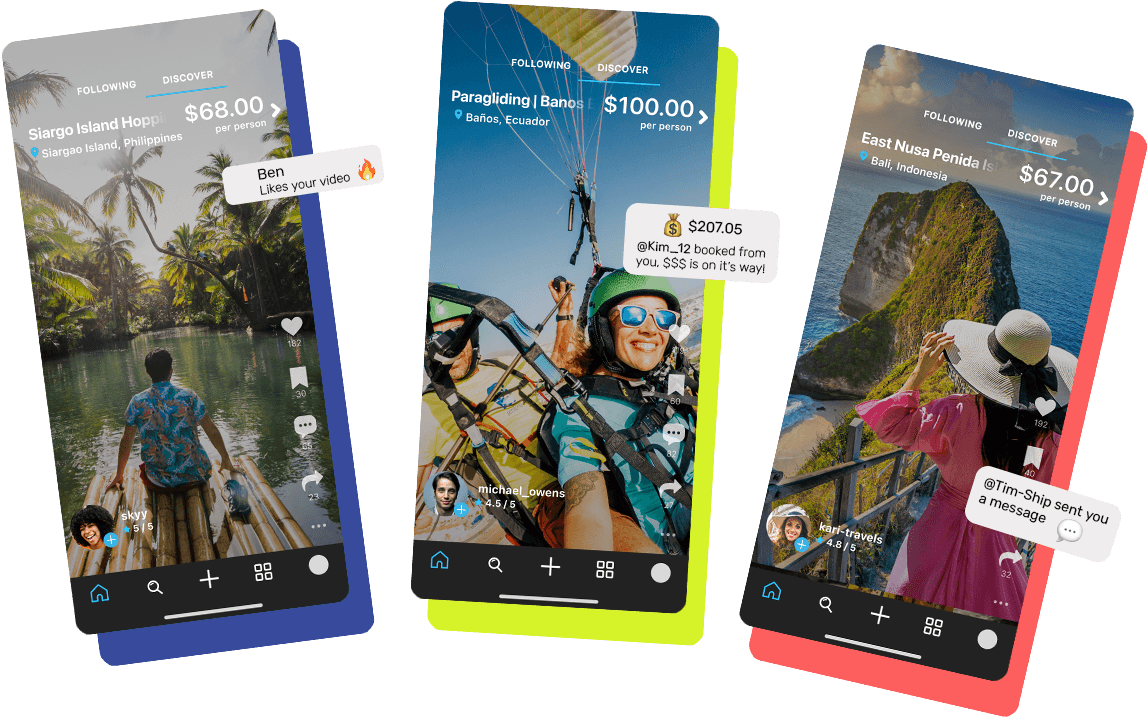
Download Otsy’s mobile app to book travel the new way. Watch social media video posts from other users featuring real-time pricing, and book your travel directly from the video. Manage your reservations in-app, and share your travel experiences with others!